
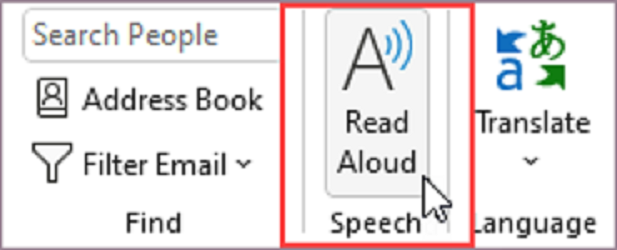
There are many reasons to listen to an email, such as proofreading, multitasking, or increased comprehension and learning. Outlook makes listening possible by using the text-to-speech (TTS) ability of your device to play back written text as spoken words.
- Read Aloud reads all or part of your email.
- Speak reads only the text you’ve selected. Speak is available for Windows only. For more information about Speak, see Use the Speak text-to-speech feature to read text aloud.
- Speech is a built-in accessibility feature of MacOS. When you set up Speech preferences in your Mac system preferences, you can select text and have it read by pressing a keyboard combination you’ve defined.
- Select File > Options > Accessibility.
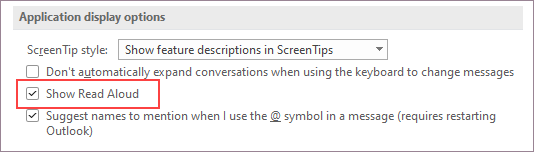
- Under Application display options, select or clear the Show Read Aloud checkbox.
From Microsoft Help
Recent Comments