Quick Tips and Shortcuts
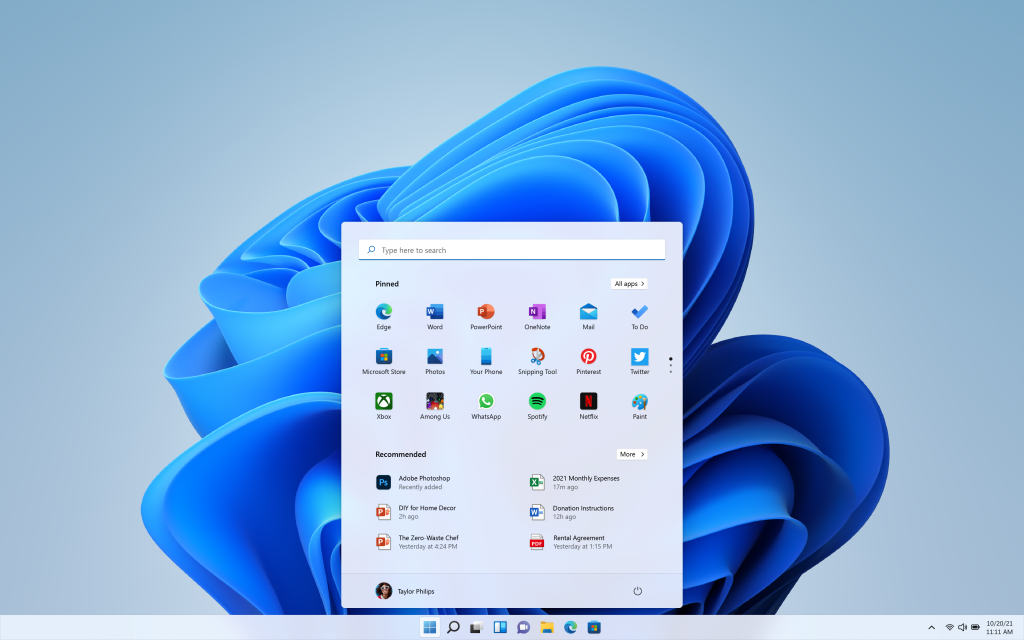
June 24, 2021 A completely reimagined Windows that is easier than ever to be efficient, creative, connected and productive with a simplified design and user experience that’s modern, fresh, clean, and beautiful. New Start Button and taskbar that is centered and...
Quick Tips and Shortcuts
New support experience in Teams; Planner integration; Video layout and PowerBI reports sharing.
Quick Tips and Shortcuts
📢 Announced 2020-04-24 📢 🆕 Facebook New Product Updates🆕 . 👀 Watch the full video here: https://www.facebook.com/zuck/videos/10111842214089831/ 👀 Create a room for any activity or event and send them a link for them to join then hangout even if they don’t have an...
Quick Tips and Shortcuts
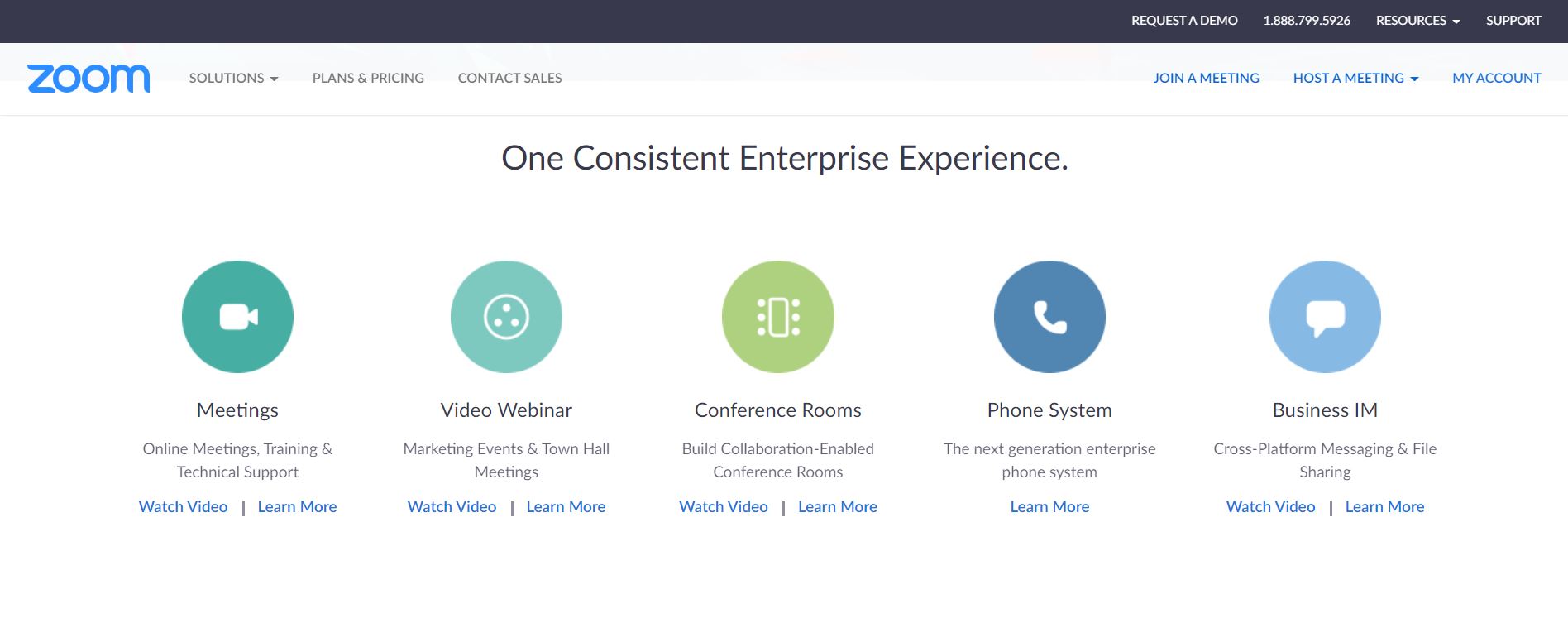
Automatically mute all participants when they join the meeting. The host controls whether participants can unmute themselves. Mute participants upon entry to a meeting Mute participants upon entryAutomatically mute all participants when they join the meeting. The host...
Quick Tips and Shortcuts
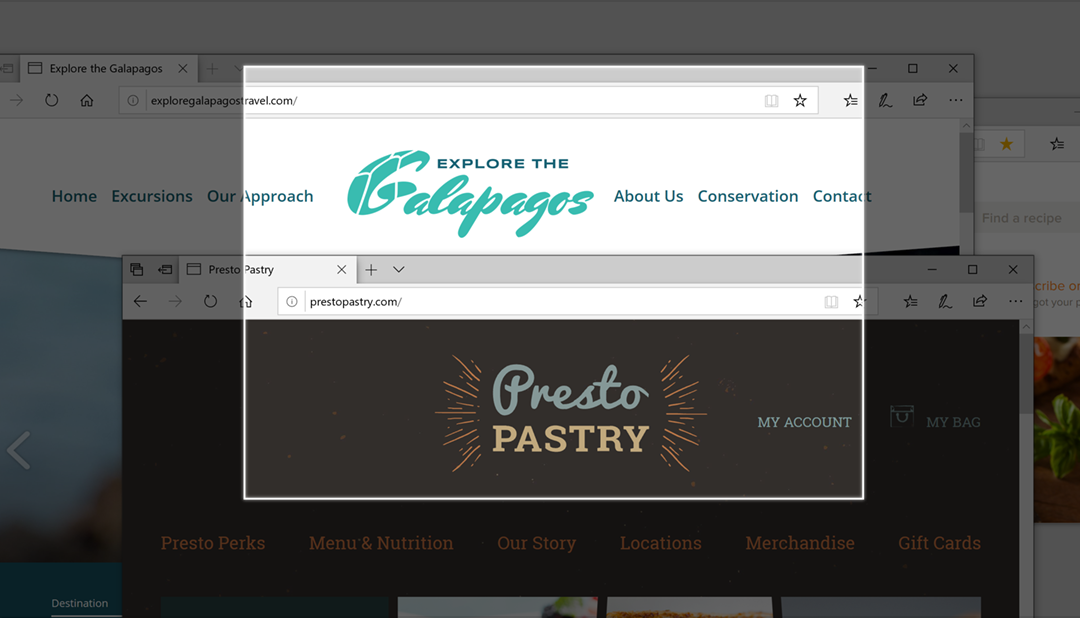
Press Windows logo key + Shift + S to open the snipping bar, then drag the cursor over the area you want to capture. The area you snipped will be saved to your clipboard. Mark as complete...
Quick Tips and Shortcuts
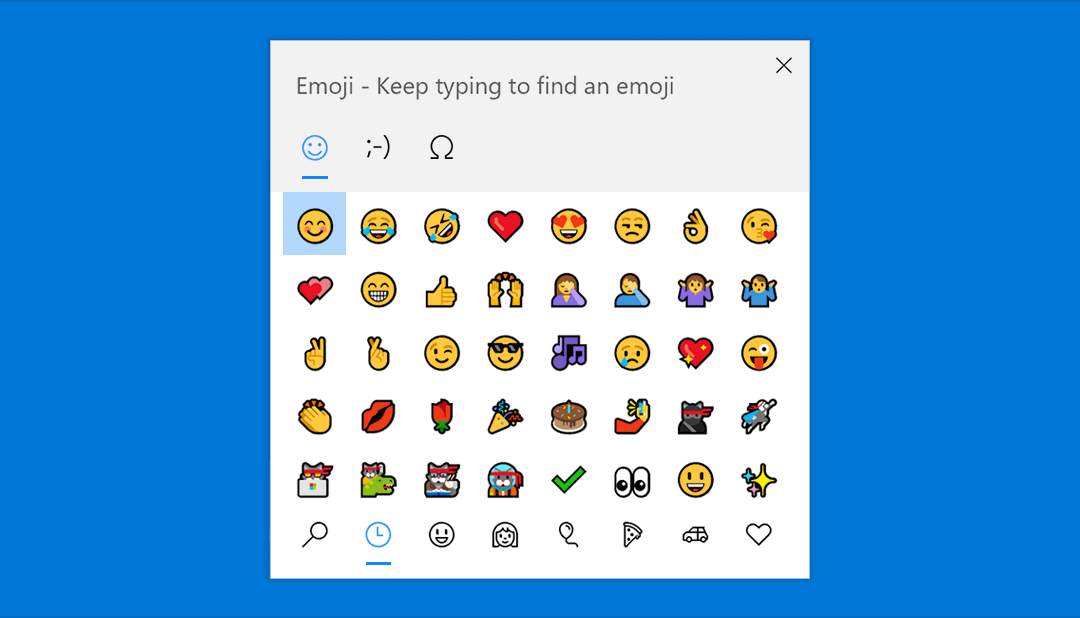
Express yourself however and wherever you want. Press Windows logo key + period (.) to open an emoji panel. Use kaomojis to create faces with text, and symbols—like punctuation and currency—to make a statement....
Recent Comments